# Integrating with AMP Web Component Frameworks
This guide details the steps for teams to integrate Zephr SDK Features with AMP Web Component Framework sites.
Full documentation for AMP is available [here](https://amp.dev/).
## Before Coding AMP
Before starting, you will need to locate your Zephr Domain and Slug within the Zephr Admin Console, and then add your site URL to the CORS origins.
### Slug
Your slug can be found within the Developer Interface for the relevant SDK Feature.
Navigate to Products > Features and then select the Feature from the list. Locate the Developer Interface section, open the Developer Interface and find the Slug section.
If you are creating a new Feature, navigate to Products > Features and click Add A Feature. Give your Feature a Title, and select SDK in the Type of Integration section, then click Continue. Your Developer Interface will open on the next screen.
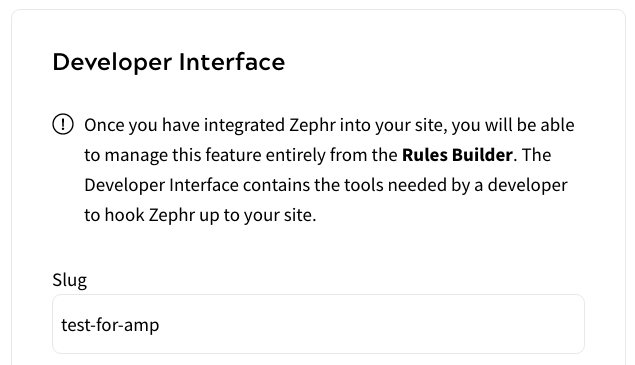
For this example, we are using the slug `test-for-amp`.
### Domain
Your domain can be located by navigating to Delivery > Sites within your Zephr Admin Console, then clicking into the relevant site.
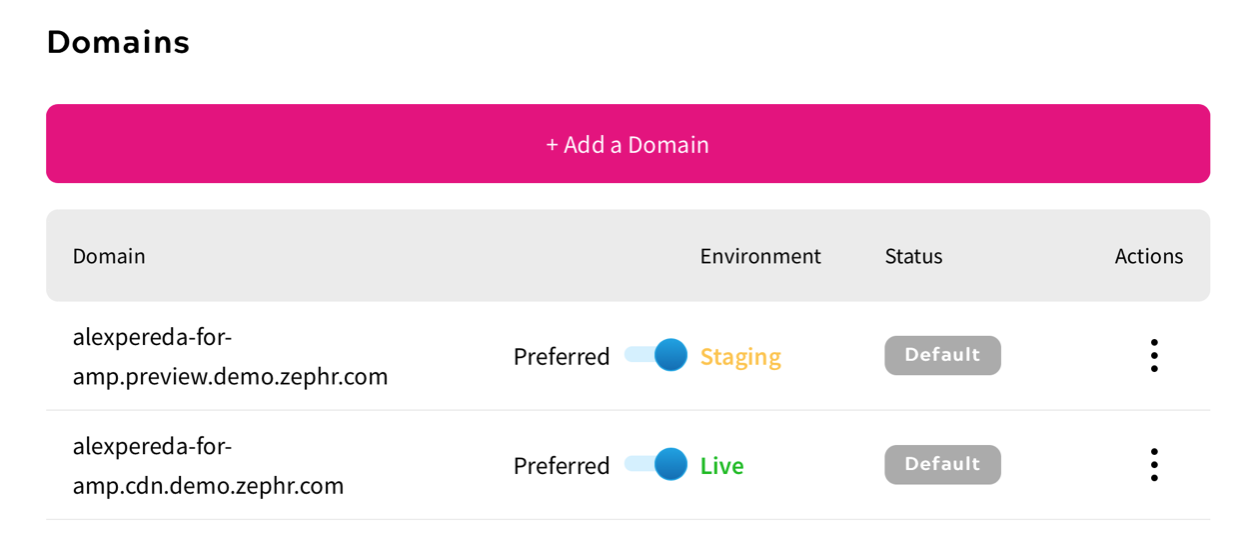
In this example, we are using `alexpereda-for-amp.cdn.demo.zephr.com`.
### CORS Allowed Origins
Whilst locating your Domain, scroll down to the Browser Config section and add your site URL.
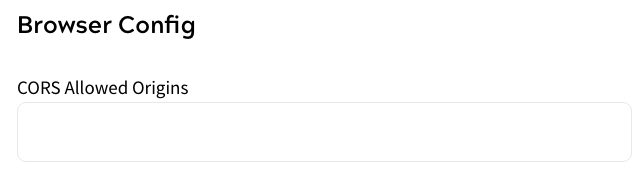
Remember to click Save once added.
## AMP Access
If you are using your own CDN, we will be using the AMP component called AMP Access, which provides an AMP paywall and subscription support. Specific documentation for this component can be found [here](https://amp.dev/documentation/components/amp-access/).
To use this component, the following script must be added to the HEAD of the document:
``
AMP access will use the following script:
```javascript
```
The specific property we need to use is authorization, which should be done using the following format, where the Domain and Slug are the values covered at the beginning of this document, and the Source Reader ID is your AMP User ID:
`“authorization” : “__/zephr/decision-engine?sdkFeatureSlug=&session=`
### Example
```javascript